
The helpdesk bot helps us quickly route visitors’ questions at WordCamp to volunteers.
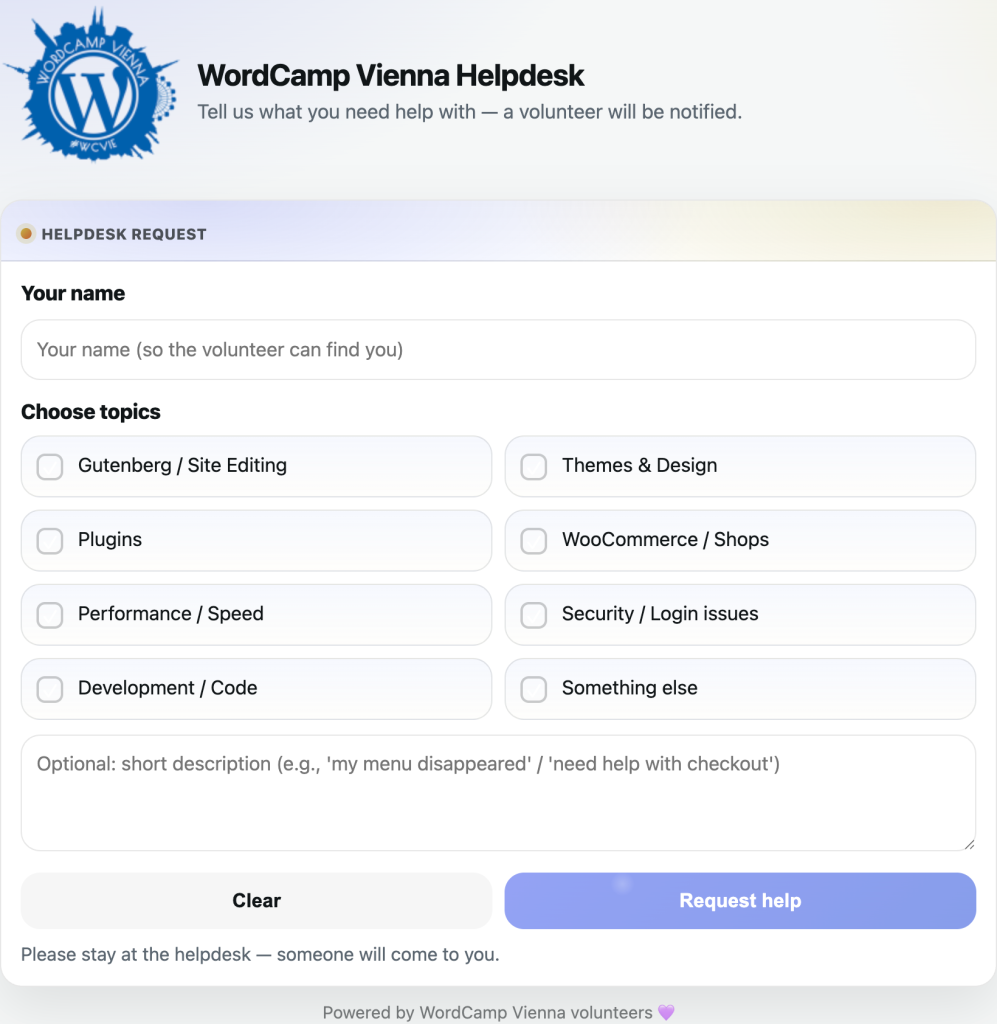
How it works:
- Open the bot in Telegram
- Register once with
- /auth PASSWORD
- Then send your name so others know who is taking the request.
When someone asks for help at the helpdesk, you’ll get a message with two buttons:
- I’m coming → You’ll go over and help
- Can’t help → You’re unavailable right now
As soon as someone clicks I’m coming, all volunteers can see who is taking the request.
The person stays at the helpdesk table, so please go there 
If everyone declines, or if nobody accepts within 2 minutes, a second round starts automatically and the request is sent to all volunteers again.